Explore a possible identification
Submit a rock photo for an AI suggestion, treating the result as a starting hypothesis rather than a confirmed identity.
 Rock IDApp Store
 Rock observations and geology
Use Rock ID to explore possible names for rocks, crystals and minerals from a photo. Save discoveries with notes, then use the geology references and AI questions to guide further reading.
Some features may require an in-app purchase or subscription. Check the App Store for current availability and pricing.
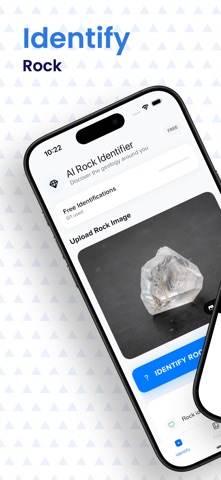
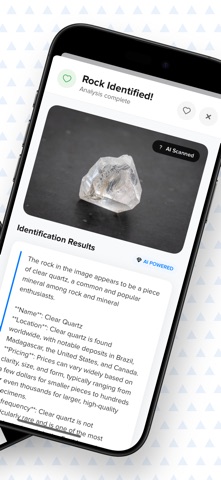
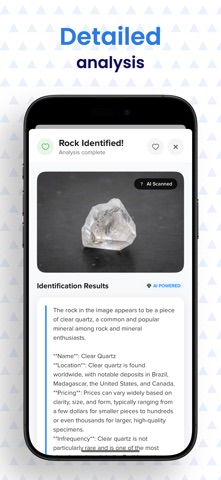
Inside the app
Submit a rock photo for an AI suggestion, treating the result as a starting hypothesis rather than a confirmed identity.
Browse information about composition, formation and hardness, crystal and gem guides, and curated geological articles.
Save discoveries, add notes to your collection and ask the AI geology assistant follow-up questions.
Rock ID
Take an overall image and useful details without changing the specimen to suit an expected answer.
Read the suggested identity and compare it with your observations and reliable references.
Keep your own description, the suggested name and unanswered questions together in your notes.
Rock ID
Build a small image set that preserves shape, scale and visible detail.
Read the guideSeparate what you can see from what a reference or model proposes.
Read the guideUse stable numbers and linked notes so new interpretations do not break your collection.
Read the guideTurn competing names into questions about evidence rather than a popularity contest.
Read the guidePhoto identifications and AI explanations may be wrong or incomplete. They are not safety assessments, certified appraisals or authenticity guarantees. Reference properties are not measurements of your specimen. Feature access and any paid options depend on current in-app terms.
Rock observations and geology